Understand Your Business Requirements
Before choosing a server, it is important to understand what your business actually needs. The right server depends on the applications you run, the number of users, the amount of data you manage, and your expected business growth.
Consider factors such as processing requirements, storage capacity, network usage, security requirements, and the level of availability your business needs.
Identify Your Server Workload
Determine whether the server will be used for file storage, database management, website hosting, application hosting, virtualization, email services, or multiple workloads. Each workload can require a different balance of CPU, RAM, storage, and network performance.
Estimate Current and Future Users
Consider how many employees, applications, devices, or customers will access the server. Choosing a configuration based only on current users may result in performance limitations as your business grows.
Choose Between an On-Premises and Cloud Server
Businesses can choose between maintaining their own physical server infrastructure and using cloud-based servers. Each option has different benefits depending on your budget, technical requirements, and business model.
On-Premises Servers
An on-premises server is physically installed and maintained by the business. It provides greater control over hardware, data, networking, and security configurations.
This approach can be suitable for organizations with predictable workloads, specific infrastructure requirements, or a need for direct control over their systems.
Cloud Servers
Cloud servers provide computing resources through a cloud provider. Businesses can scale resources based on demand without purchasing and maintaining physical hardware.
Cloud infrastructure can be particularly useful for growing businesses, remote teams, applications with changing workloads, and organizations looking to reduce physical infrastructure requirements.
Evaluate CPU and Processing Power
The processor determines how efficiently a server can handle applications and workloads. CPU requirements vary significantly depending on what the server will be used for.
Consider CPU Cores
Servers with multiple CPU cores can handle multiple workloads simultaneously. Virtualization, databases, analytics, and application hosting may benefit from higher core counts.
Match CPU Performance to Your Workload
Avoid selecting a processor simply because it has the highest specifications. Instead, choose a CPU that provides sufficient performance for your current workloads while leaving reasonable capacity for future growth.
Determine the Required RAM
RAM plays an important role in server performance because it allows applications and operating systems to access frequently used data quickly.
Plan RAM Based on Applications
A basic file server may require less RAM than a database server, virtualization host, or application server. Review the memory requirements of the operating systems and applications you plan to run.
Leave Room for Memory Upgrades
Choose hardware that provides additional memory slots when possible. This allows you to increase RAM later without replacing the entire server.
Select the Right Storage
Storage affects both the amount of data your server can hold and how quickly applications can access that data.
HDD vs. SSD Storage
HDDs generally provide large storage capacity at a lower cost, making them useful for data-heavy workloads where extreme performance is not essential.
SSDs provide faster data access and can significantly improve application performance, database operations, and file access.
Consider RAID
RAID can combine multiple drives to provide improved performance, redundancy, or both. The appropriate RAID configuration depends on your workload and data availability requirements.
However, RAID should not be considered a replacement for backups. A separate backup strategy is still essential.
Evaluate Network Requirements
Your server needs sufficient network performance to communicate efficiently with users, applications, storage systems, and other infrastructure.
Choose the Appropriate Network Speed
Basic office workloads may not require extremely high network speeds, while virtualization, large databases, media processing, and large file transfers may require faster network connections.
Consider Network Redundancy
For business-critical systems, multiple network interfaces can provide redundancy and help minimize connectivity-related downtime.
Prioritize Server Reliability
Server downtime can affect employee productivity, applications, customers, and business operations. Reliability should therefore be an important part of your purchasing decision.
Look for Redundant Components
Business-class servers may offer redundant power supplies, cooling fans, storage configurations, and network connections. These features can allow certain hardware failures to occur without immediately taking the entire server offline.
Review Warranty and Support
Check the manufacturer’s warranty, technical support options, replacement policies, and response times. Strong support can be especially important for servers running critical business applications.
Consider Security Requirements
Security should be considered when selecting the server hardware, operating system, applications, and network architecture.
Evaluate Hardware Security Features
Look for features such as secure boot, hardware-based security technologies, encryption support, and secure remote management.
Control Server Access
Use strong authentication and role-based access controls to ensure that only authorized users and administrators can access sensitive systems and data.
Plan for Scalability
Your server should support your business not only today but also as your requirements increase.
Allow Room for Expansion
Consider whether the server can support additional RAM, storage drives, network interfaces, PCIe devices, or other components as your business grows.
Consider Future Workloads
Think about expected growth in employees, databases, applications, website traffic, and data storage. A server with some additional capacity can help delay expensive hardware replacements.
Consider Server Form Factors
The physical size and design of the server can affect installation, maintenance, and future expansion.
Tower Servers
Tower servers are suitable for many small businesses and offices that do not have dedicated server racks. They are relatively straightforward to install and can provide a practical solution for smaller environments.
Rack Servers
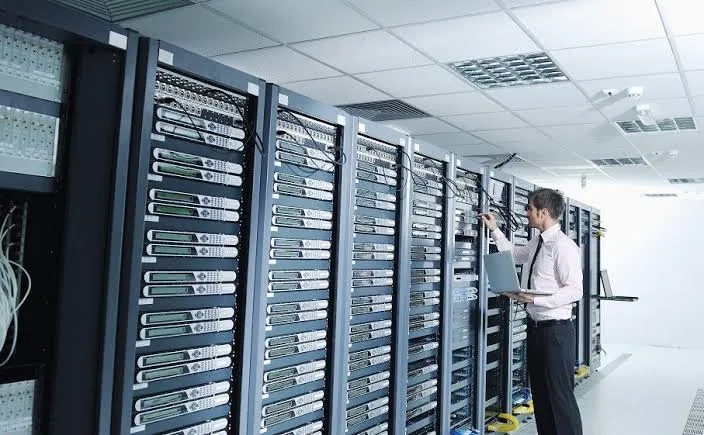
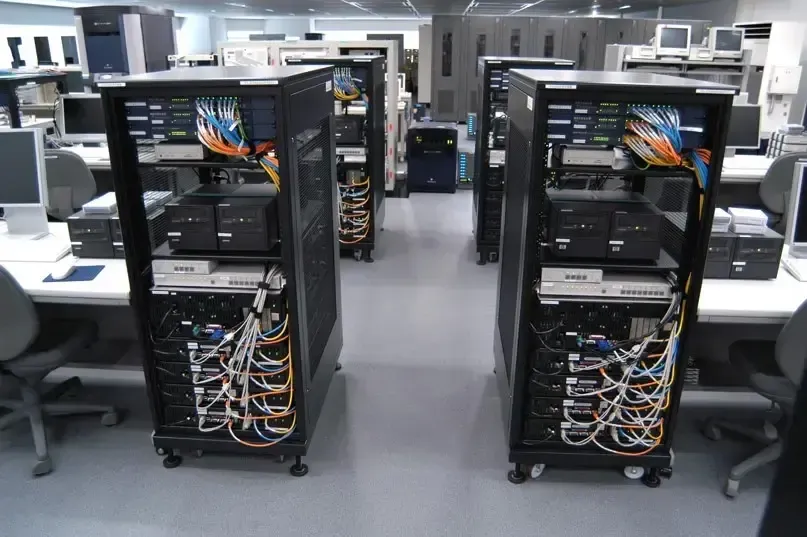
Rack servers are designed to fit into standard server racks and are commonly used in data centers and larger IT environments. They are useful when multiple servers need to be deployed efficiently.
Evaluate Virtualization Requirements
Virtualization allows multiple virtual machines to run on a single physical server. This can help businesses consolidate workloads and improve hardware utilization.
Determine Virtual Machine Requirements
Consider how many virtual machines you need and the CPU, RAM, storage, and network resources required by each one.
Plan for Resource Allocation
The physical server should have sufficient resources to run all virtual machines without creating performance bottlenecks. Additional capacity should also be considered for future workloads.
Calculate the Total Cost of Ownership
The initial server purchase price does not represent the complete cost of running the infrastructure.
Consider Additional Costs
Include expenses such as hardware, operating system licenses, software licenses, maintenance, electricity, cooling, networking, backups, security solutions, and technical support.
Compare Long-Term Costs
Compare the total cost of ownership over the expected lifespan of the server rather than focusing only on the initial purchase price. A more reliable server may have a higher upfront cost but lower maintenance and downtime costs over time.
Plan Backup and Disaster Recovery
A server should always be supported by a reliable backup and disaster recovery strategy.
Create Regular Backups
Important business data should be backed up regularly and stored separately from the primary server. Depending on your requirements, this could include local, off-site, or cloud backups.
Define Recovery Requirements
Determine how quickly your systems need to be restored after hardware failure, data loss, cyber incidents, or other disruptions. This helps you select an appropriate backup and disaster recovery solution.
Choose the Right Operating System
The operating system should be compatible with your applications, infrastructure, and technical requirements.
Windows Server
Windows Server can be suitable for organizations that rely on Microsoft technologies, Active Directory, and Windows-based business applications.
Linux Server
Linux is widely used for web servers, application hosting, databases, development environments, and cloud infrastructure. The appropriate Linux distribution depends on application compatibility and your organization’s technical expertise.
Evaluate Server Management
Server management includes monitoring, updates, maintenance, troubleshooting, and security management.
Consider Remote Management
Many business-class servers include remote management capabilities that allow administrators to monitor hardware, troubleshoot issues, and manage systems remotely.
This can be particularly useful when servers are located in data centers or other locations where physical access is difficult.
Avoid Overbuying or Underbuying
The goal is to find a server that provides the right balance between performance, reliability, scalability, and cost.
Avoid Underpowered Hardware
An underpowered server can cause slow applications, resource bottlenecks, poor user experience, and frequent upgrades.
Avoid Unnecessary Specifications
Buying significantly more hardware than your workloads require can increase costs without providing meaningful benefits. Select specifications based on actual business requirements and expected growth.
Use a Server Selection Checklist
Before purchasing a server, review your requirements carefully.
Key Factors to Review
Consider:
- CPU performance
- RAM capacity
- Storage capacity
- Storage performance
- RAID requirements
- Network speed
- Redundancy
- Security features
- Backup requirements
- Scalability
- Virtualization requirements
- Operating system compatibility
- Warranty and technical support
- Power and cooling requirements
- Total cost of ownership
Make a Long-Term Server Investment
Choosing the right server is about more than selecting the fastest processor or largest storage capacity. The best server is one that meets your current business requirements while providing enough reliability, security, and scalability for future growth.
By evaluating your workloads, infrastructure requirements, budget, security needs, and expected growth, you can select a server that provides dependable performance and supports your business operations over the long term.